Phones answered 24/7
With same- or next-day visits in Buckhead.
Your phone showed an update for the appliance app, or the refrigerator's screen announced new software overnight. Since then the oven preheats differently, the fridge has switched into a mode you never chose, the ice maker is off, the cooktop will not respond until it is paired again, or the door display shows a code you have never seen. In Buckhead, the northern part of the city of Atlanta, Switch Appliance Repair starts with that update: what changed in the app or on the panel, when it happened and what the appliance has done since. Some changes are settings that moved during the update; others are a control board or a sensor that the new software no longer tolerates.
Call (470) 319-8098 around the clock, or describe the update and enter your ZIP code in the form on this page. Same- or next-day visits are offered in Buckhead when the route has space.
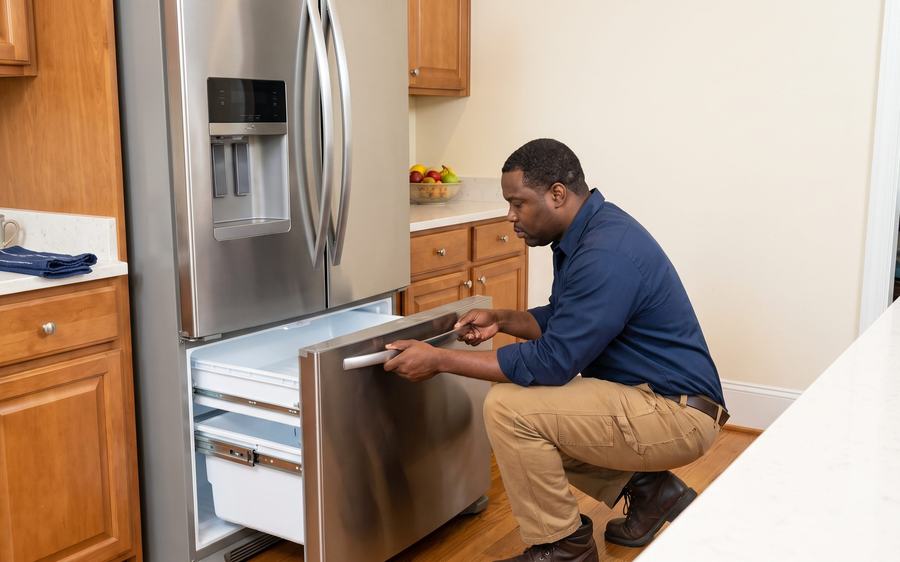
A broken appliance does not need to drag the whole house down with it. If the fridge is warming up, the washer is leaking, the dryer won't heat, or the oven quit before dinner, Switch Appliance Repair is ready to step in.
Get sharp diagnostics. Get your house back in rhythm.

Our service area depends on the appliance. Choose the appliance first, then enter your ZIP code.
Around Lenox and Phipps. Homes, condos and high-rises near the shopping district.
Along Peachtree Road. Residential towers and streets on the main corridor.
Near Chastain Park. Neighborhoods on the northwest side.
Toward Sandy Springs. Streets near the district's northern edge.
Connected appliances use their control boards for nearly everything, and an update can touch several functions at once:
Usually a setting: temperatures back at default, a mode switched on, Celsius instead of Fahrenheit, the ice maker turned off, a control lock on, or an app that needs the appliance paired again.
Worth a technician's check: an appliance that will not respond after a power reset, a code that returns after it is cleared, temperatures that do not match a thermometer, a board that restarts by itself, an oven that will not heat, or a cooktop zone that stays dead.
If a control board seems frozen, switch the appliance off at the breaker for a few minutes before turning it back on; this is often the safest reset. Do not open control panels yourself, since boards and wiring inside can hold a charge. If the appliance smells of burning plastic after an update or reset, keep it off and book a check.
You tell us what changed. The update, the date and what the appliance has done since.
We check the settings first. Modes, temperatures, offsets, locks and display units are reviewed with you.
Then the working parts. Sensors, the control board, fans, the ice maker and heating parts are tested.
You hear the cause. Whether the update only moved settings, or a part is failing and the software made it visible.
Repairs go ahead only with your approval. Genuine or OEM-approved parts are fitted, and the appliance is tested completely before we leave.
Coverage after the visit: a warranty of up to half a year on standard repairs and up to a full year on Sub-Zero, parts and labor included.
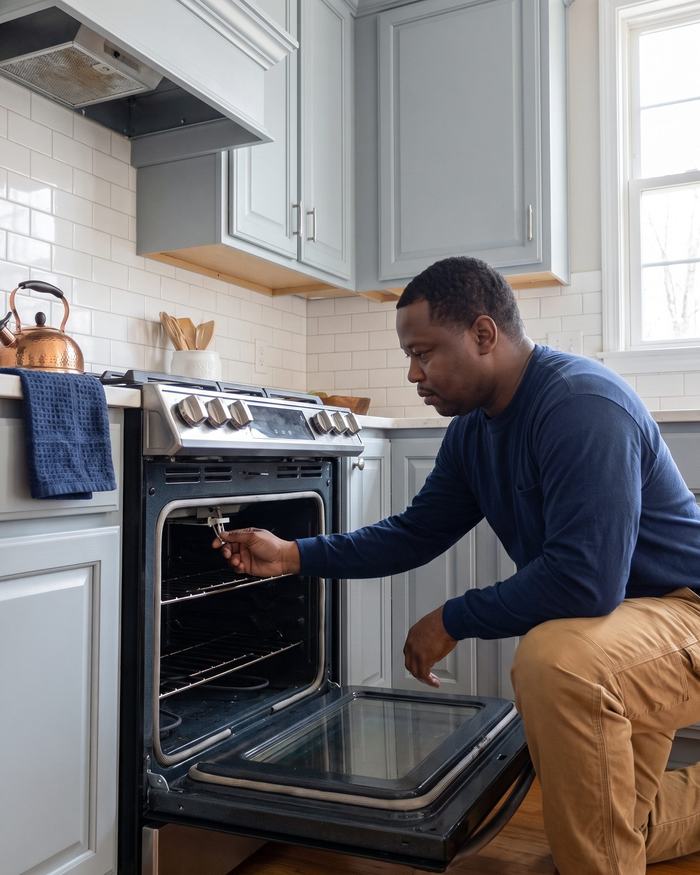
If a reset raised the refrigerator temperature, check it with a thermometer on a middle shelf. The fresh-food side belongs at 40°F or lower, the freezer at 0°F. Perishables that stayed above 40°F for two hours or more should not be eaten, per USDA guidance.
Switch repairs Samsung, LG, GE, GE Profile, Cafe, Whirlpool, KitchenAid, Maytag, Frigidaire and Electrolux, along with Sub-Zero, Wolf, Viking, Thermador, Bosch, Miele, Monogram, JennAir and Fisher & Paykel, in Buckhead. Brand names are used for identification only. Switch Appliance Repair is an independent repair company and is not affiliated with, sponsored by or endorsed by any appliance manufacturer.
After an update, the fix is often no part at all: restored settings, a mode switched off or a clean power reset. When a part is to blame, it tends to be a sensor, a touch panel, a Wi-Fi module or a control board. Replacing the appliance is worth discussing only if the board is discontinued for an older model or several major parts have failed. You hear both options and decide.
Switch serves all of Buckhead. Our technicians also travel to Midtown Atlanta, Brookhaven, Sandy Springs, West Midtown and Virginia-Highland. Enter your ZIP code in the booking form and the answer appears right away.
Call (470) 319-8098 at any hour, or use the form to share the update, what changed and your ZIP code. A technician checks the settings and the working parts, then explains what is going on. Switch Appliance Repair: 160 Clairemont Ave, Decatur, GA 30030.
With same- or next-day visits in Buckhead.
Including a software update.
Refrigerant work.
Of appliance repair.
And the warranty in writing.
Switch Appliance Repair is family-owned. In Buckhead, we check what the software changed before we reach for a part, because a connected appliance often tells its own story through its settings.
Yes, throughout the district. The booking form checks your ZIP code, or call (470) 319-8098.
Often the update reset the settings. Restore them and check with a thermometer after a few hours; if it still runs warm, book a check.
A calibration offset may have returned to default, or the temperature sensor may be reading out of range.
Not necessarily. The Wi-Fi connection or pairing may have dropped. The appliance usually still works from its own controls.
Photograph it, then switch the appliance off at the breaker for a few minutes. If the code returns, book a check.
Same- or next-day visits are offered in Buckhead when the route allows; ordered parts can add time.
We can check and replace the Wi-Fi module or the control board where parts are available for the model.
Parts and labor, up to six months for standard repairs and up to twelve months for Sub-Zero.
One call sets up a visit, usually same- or next-day across Atlanta and nearby communities.